User guide
Settings
Your profile and defaults — trade size, landing view, read mode, watchlist, and identity.
Open Profile & settings from the account menu (your avatar, top right). Changes save instantly and flash a brief "Saved" confirmation.
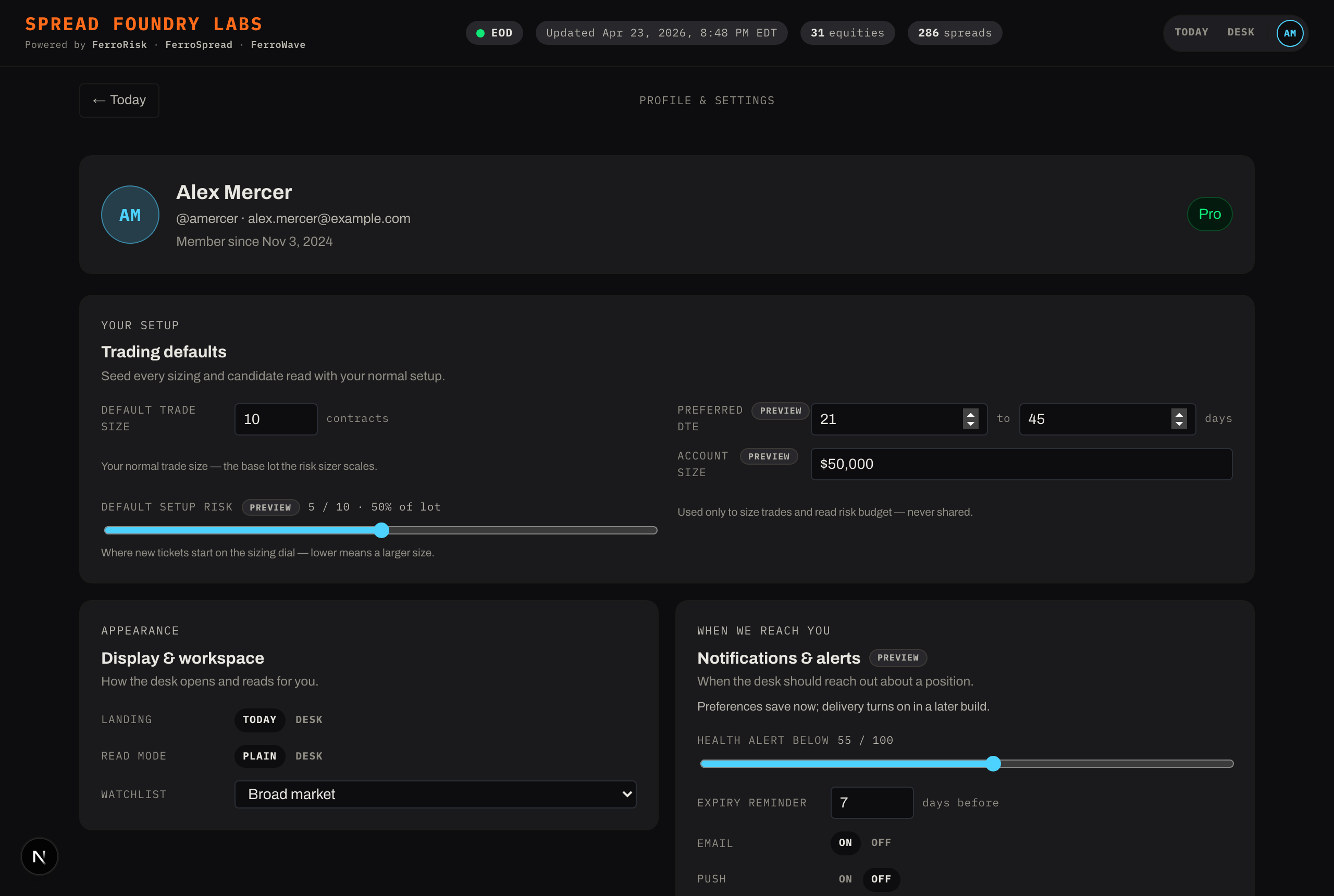
Trading defaults
- Default lot size — your normal trade size. This is the base lot the risk sizer scales when it suggests a size for a candidate (see Studying a spread). Setting this right makes every sizing suggestion meaningful.
- Risk tolerance, preferred DTE window, and account size round out your defaults.
Display & workspace
- Default landing view — start on Today or the Desk.
- Default read mode — start in Plain or Dense.
- Active watchlist — which list the Opportunity lane opens to.
These three persist across sessions, so the app opens the way you left it.
Identity
Your display name, email, and timezone. Changing your name updates the avatar initials in the top bar.
Account & security
Password management and account/billing details live here too.
Signing out
Sign out clears your saved preferences and identity on this device and returns you to Today.
Some controls are marked Preview — they save your choice now, but the behavior they drive turns on in a later build.