User guide
Key concepts
Ideas vs. positions, and the watch → trade → close lifecycle that everything is built on.
One idea makes the rest of Spread Foundry click: a saved spread has a state, and every screen is a function of that state.
An idea is not a position
Spread Foundry keeps two things separate on purpose:
- A watched idea — a spread you're tracking because it looks interesting. No money is at risk.
- A live position — a spread you actually traded. It has a fill price, a size, a plan, and a running P/L.
This is why saving a spread and trading it are two different actions (more in Saving & trading). A "looks good" note at save time is journaling; a position is a commitment — they deserve different fields.
The lifecycle: Watching → Open → Closed
   Save              Trade this              Close
 ────────▶ Watching ──────────▶ Open ──────────▶ Closed
  (no risk)         (live position)     (history, realized P/L)
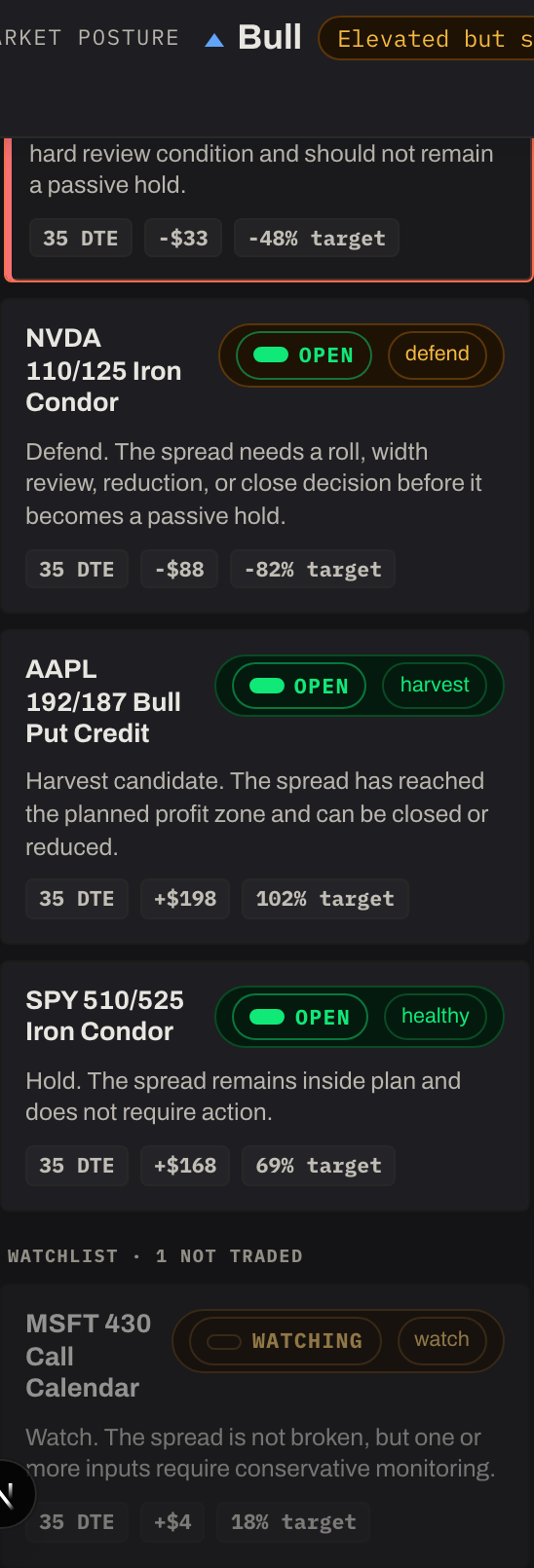
- Watching — captured as an idea. You can study it, or stop watching to drop it.
- Open — you executed it. It shows the full management cockpit: health, plan, triggers, the decision log, and a payoff scaled to your real size.
- Closed — you exited. It becomes a read-only record with your realized P/L and lands in your trade history.
One rule worth knowing: an open trade can't be discarded — only closed. You can delete a watched idea freely, but a live position has to go through Close so its result is recorded.
The decision log
While a position is open, you record what you decided each time you reviewed it — hold, watch, harvest, defend, or exit — with an optional note. This daily trail is separate from the system's live health read, and each entry is tagged to the review triggers that prompted it. It's how the workspace turns "I'll just remember why I did that" into an actual record. See Managing a position.
The whole journey, in one line
Find a spread → Save it (watch) → Trade it (open) → log decisions against it → Close it → it lands in history.
The rest of this guide walks each step.